
Модуль 9. Integrated B1: реальные темы и комбинированные навыки · урок 42
Lesson 42. Technology and online life
Объяснение темы
Ты научишься обсуждать technology and online life: описывать проблемы с устройствами, давать инструкции, писать в поддержку и говорить о безопасности.
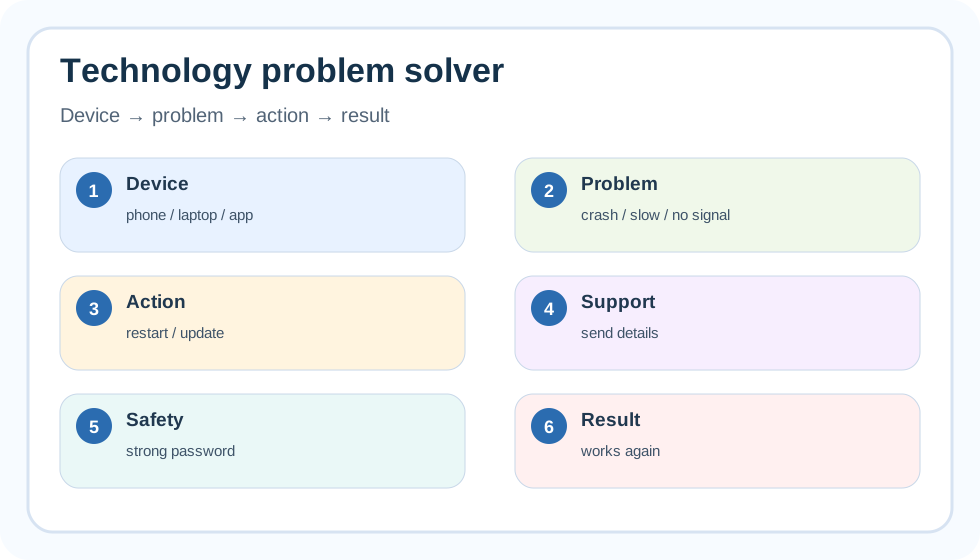 Схема помогает описать техническую проблему: device → problem → action → result.Technology vocabulary
| Topic | Words | Example |
|---|---|---|
| Devices | phone, laptop, tablet, charger, screen | My phone screen is broken. |
| Problems | crash, freeze, slow, no signal, battery runs out | The app keeps crashing. |
| Actions | restart, update, install, delete, back up | You should update the app. |
| Support | error message, screenshot, account, password | I can send a screenshot. |
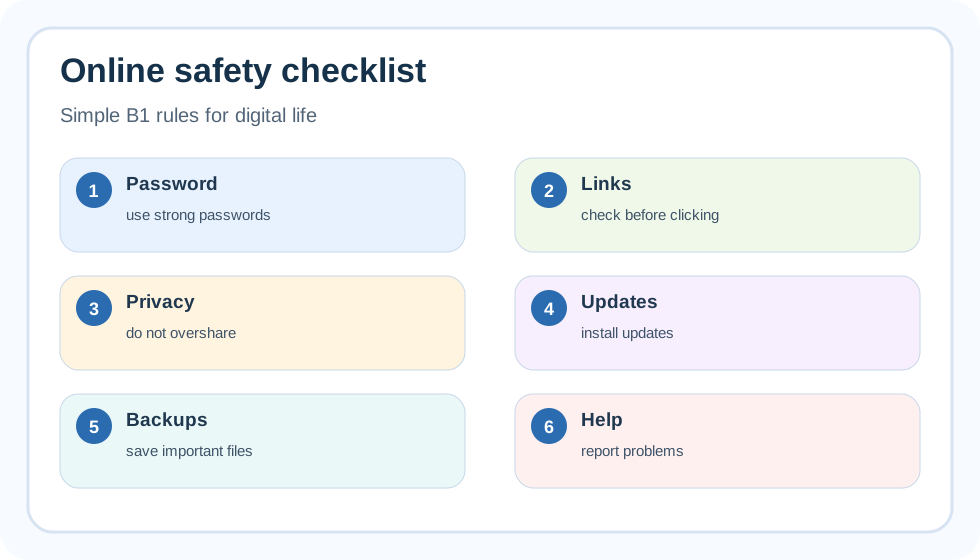 Простые правила online safety: password, links, privacy, updates, backups.Problem report structure
- Say what device/app you use.
- Describe the problem.
- Say when it started.
- Say what you have already tried.
- Ask for help politely.
Useful phrases
The app keeps crashing. / I cannot log in. / I have tried restarting my phone. / Could you please help me fix this problem?
Common mistakes
My internet doesn't works. → My internet doesn't work.
I have problem with app. → I have a problem with the app.
Do not share password. → Do not share your password.
Для простых инструкций используй base verb: Open the app. Tap Settings. Enter your password. Restart your device.
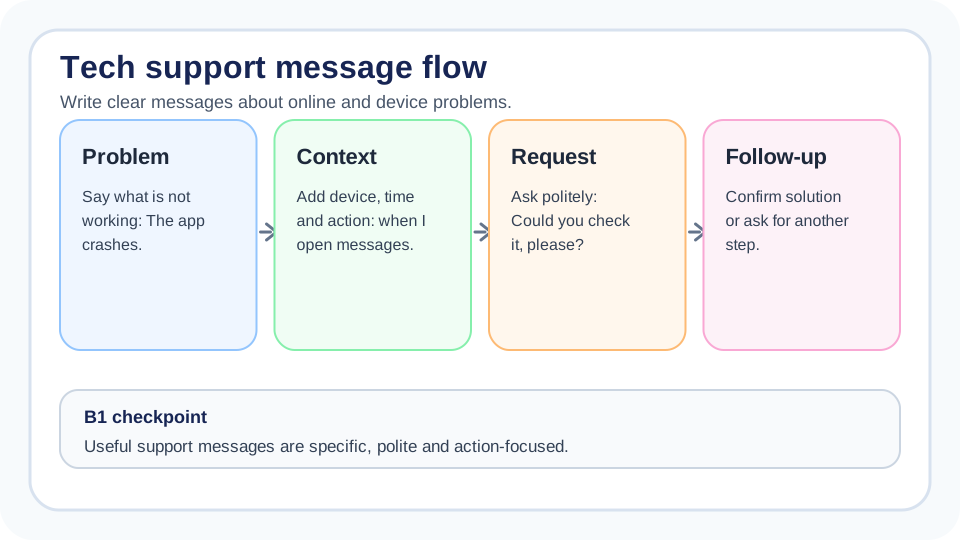 Схема помогает писать сообщения в поддержку: проблема, контекст, просьба, follow-up.Review upgrade: support message builder
В technology-темах важно не просто знать слова, а уметь точно описать проблему. Хорошее B1-сообщение в поддержку отвечает на четыре вопроса: what happened, where, when, what you need.
| Part | Useful language | Example |
|---|---|---|
| Problem | doesn’t work / crashes / freezes | The app crashes when I open it. |
| Context | on my phone / after the update | It started after the latest update. |
| Attempt | I tried... | I tried restarting the phone. |
| Request | Could you...? | Could you help me fix it? |
B1 support tip
Добавляй одну конкретную деталь. The app doesn’t work слишком общее. The app freezes when I tap “Pay” намного полезнее.
Примеры
Example 1. Support message
Hello, I have a problem with your app. I am using an iPhone, and the app keeps crashing when I open the messages page. The problem started yesterday. I have tried restarting my phone and updating the app, but it still does not work. Could you please help me?
Example 2. Giving instructions
- Open the app.
- Tap Settings.
- Choose Notifications.
- Turn on push notifications.
- Restart the app.
Example 3. Online safety advice
You should use a strong password and never share it with other people. If you receive a strange link, do not click it before you check who sent it.
Review example. Support request
Hello, the banking app freezes when I try to confirm a transfer. It started after the update this morning. I tried restarting my phone, but it did not help. Could you check this problem, please?
Проверка темы
Решите задания и отправьте ответы на проверку.
Чтобы платформа сохранила результат, войдите или зарегистрируйтесь.
Войти Зарегистрироваться